Use API
Replace OpenAI's base_url with the platform address, use the API key created by the platform as api_key, and start calling.
Playground online test
Playground is a built-in online testing tool that talks directly to your model without writing code, perfect for quickly verifying that an API key is available.
Visit the playground
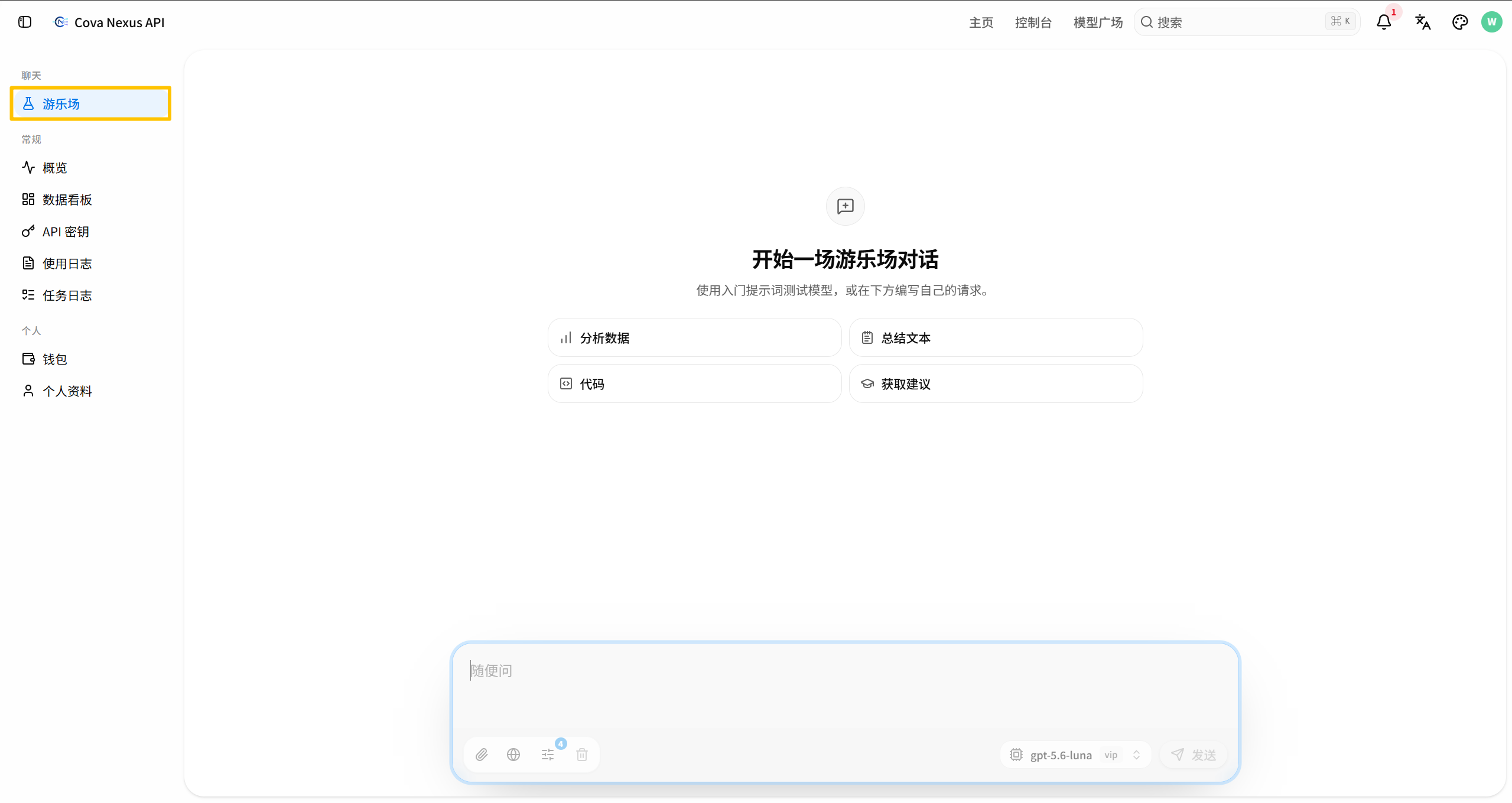
Click "Playground" on the left navigation, or visit directly /playground
Use the playground
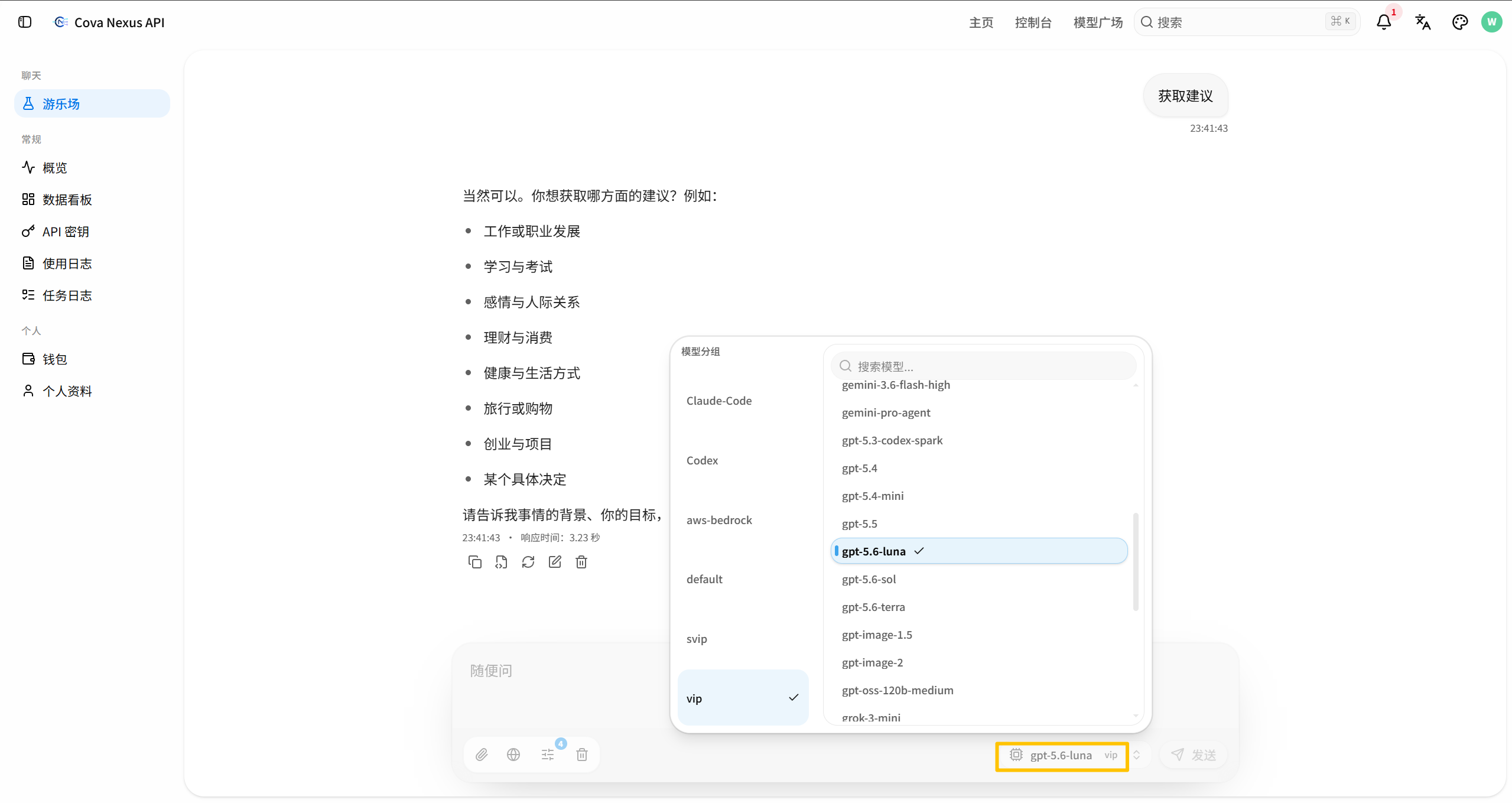
Select the model to be tested in the lower right corner of the bottom input box
Enter the message content in the bottom input box and click Send
The dialogue area above the transfer box displays the model's reply results.
Get API address
Copy API address
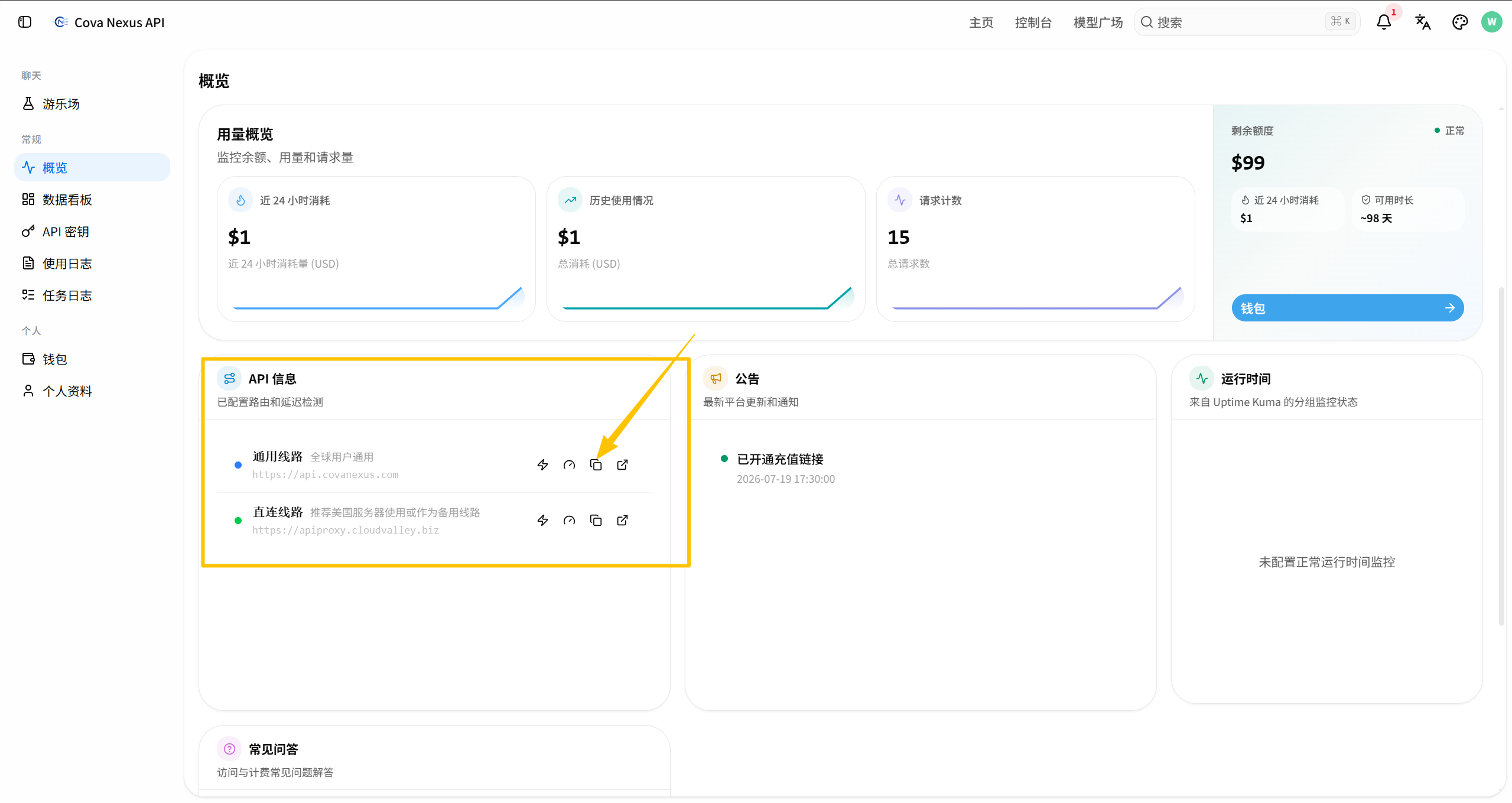
open /dashboard/overview
Find the API Base URL display area in the middle of the page
Click the copy button to copy the address to your clipboard
Configure client
Fill in the copied address into your client or code as base_url, and match it with the API key to start calling:
API Base URL: https://api.covanexus.com/v1
API Key:     $COVA_NEXUS_API_KEY (在 API 密钥页面创建)
code example
from openai import OpenAI

client = OpenAI(
    api_key="$COVA_NEXUS_API_KEY",  # 平台创建的 API 密钥
    base_url="https://api.covanexus.com/v1"
)

response = client.chat.completions.create(
    model="gpt-4o",
    messages=[{"role": "user", "content": "Hello!"}]
)
print(response.choices[0].message.content)
https://api.covanexus.com/v1. It also supports the native API formats of Claude and Gemini.