
API key management
API keys are credentials for calling APIs. Each key can be independently configured with permission scope and quota limit. Click "API Keys" in the left navigation, or visit /keys directly.
The API key list displays all created keys, including name, status, used quota, remaining quota, expiration time and other information.
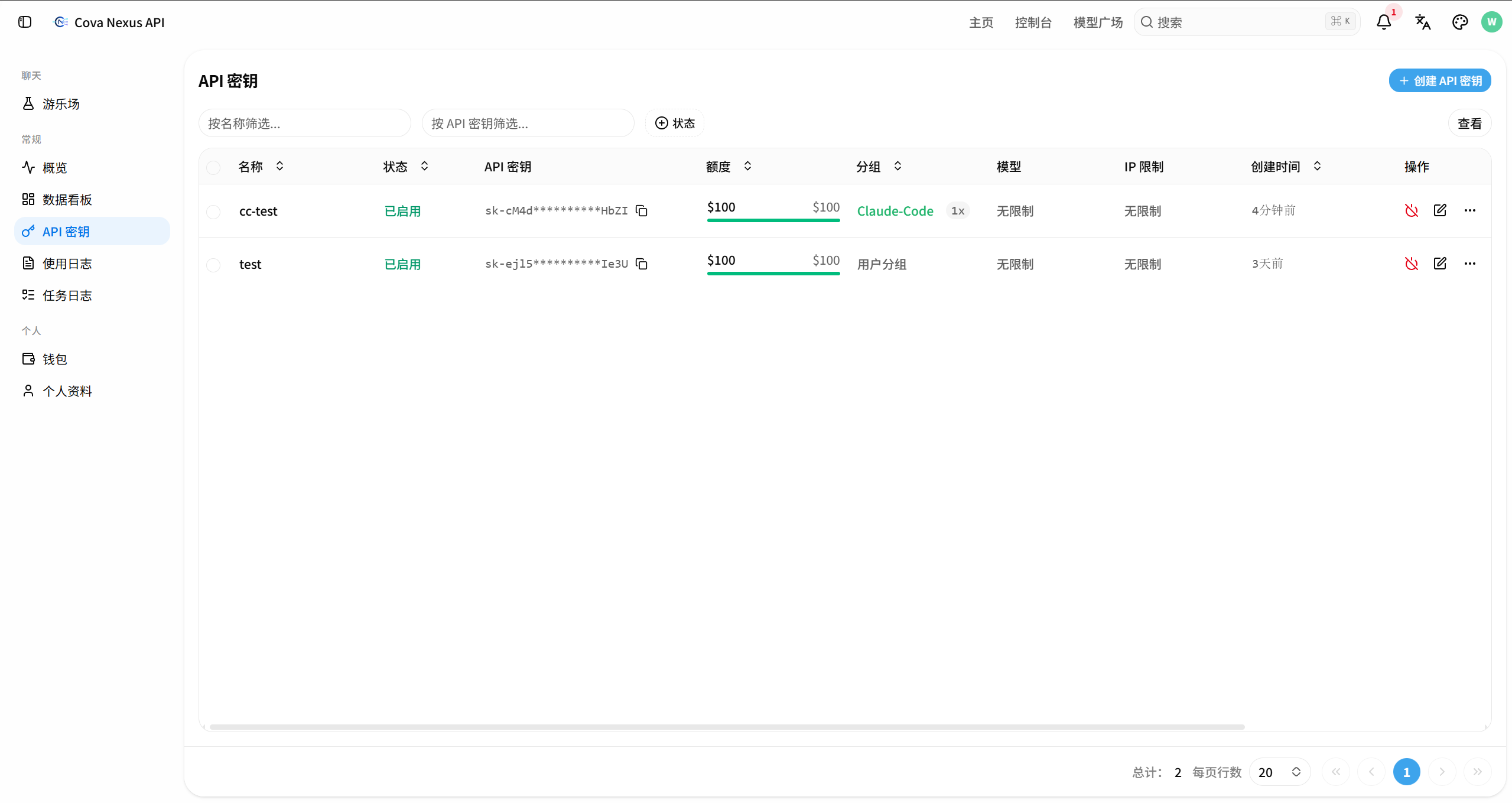
Create API key
Basic configuration
Click the "Create API Key" button in the upper right corner of the API key list page, and a creation pop-up window will pop up.
Enter the key name (it is recommended to name it according to the purpose, such as "production environment" and "test use")
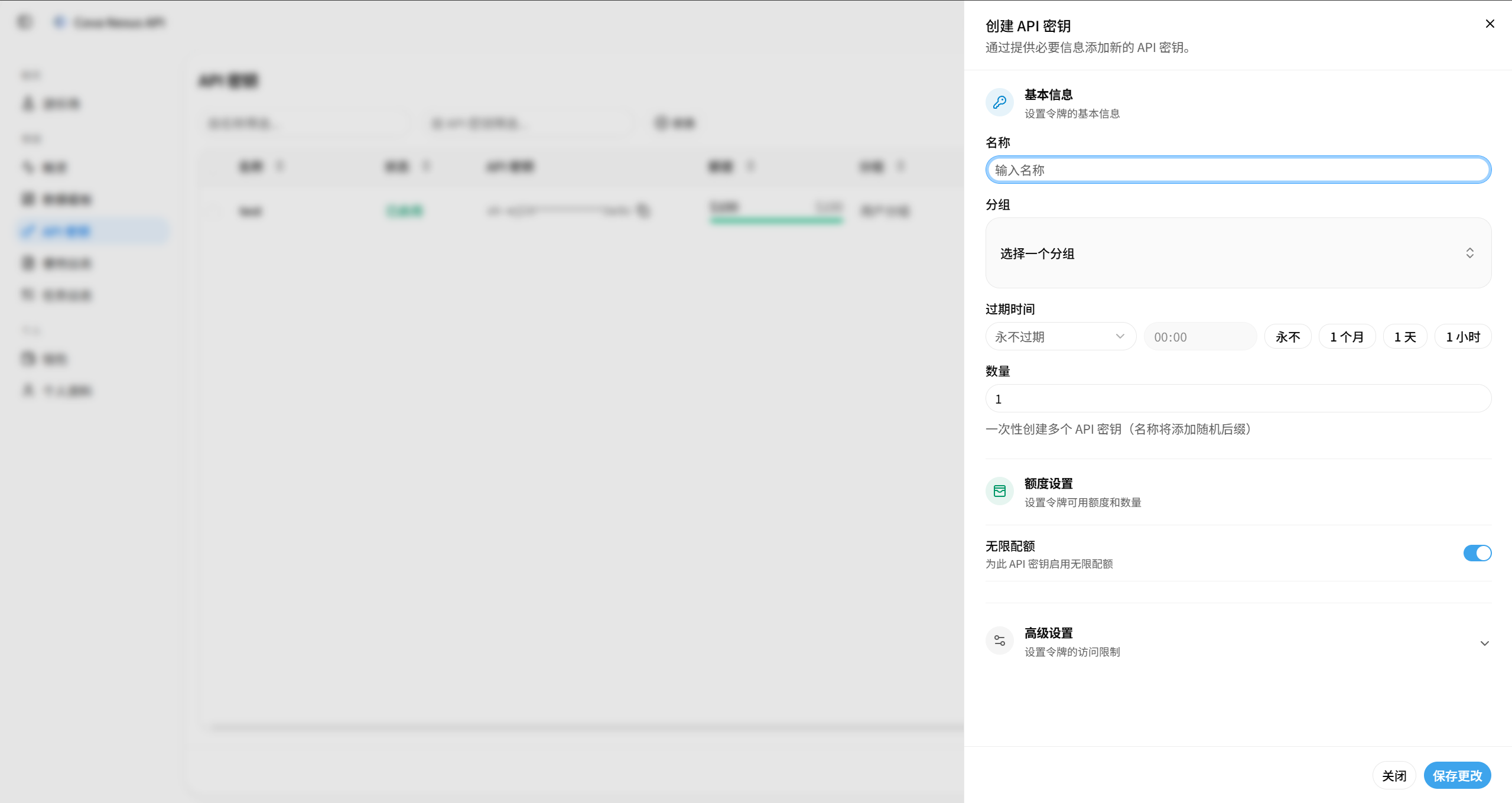
Advanced configuration options
| Configuration items | Description |
|---|---|
| Expiration time | Set the validity period, leave it blank or set to -1 to never expire |
| Quota | Limit the maximum quota that the API key can consume. It will automatically expire if exceeded. |
| unlimited quota | It is not subject to quota restrictions after being enabled (still subject to the total account quota) |
| Model limitations | Limit the API key to only call the specified model. Leave it blank to indicate no restriction. |
| IP whitelist | Limit the source IPs that are allowed to use this API key. Leave blank to indicate no restriction. |
| Group | Specifies the channel grouping used by this API key |
Save API key
Click "Save Changes" to complete the API key creation process. You can copy and use the API key in the token list.
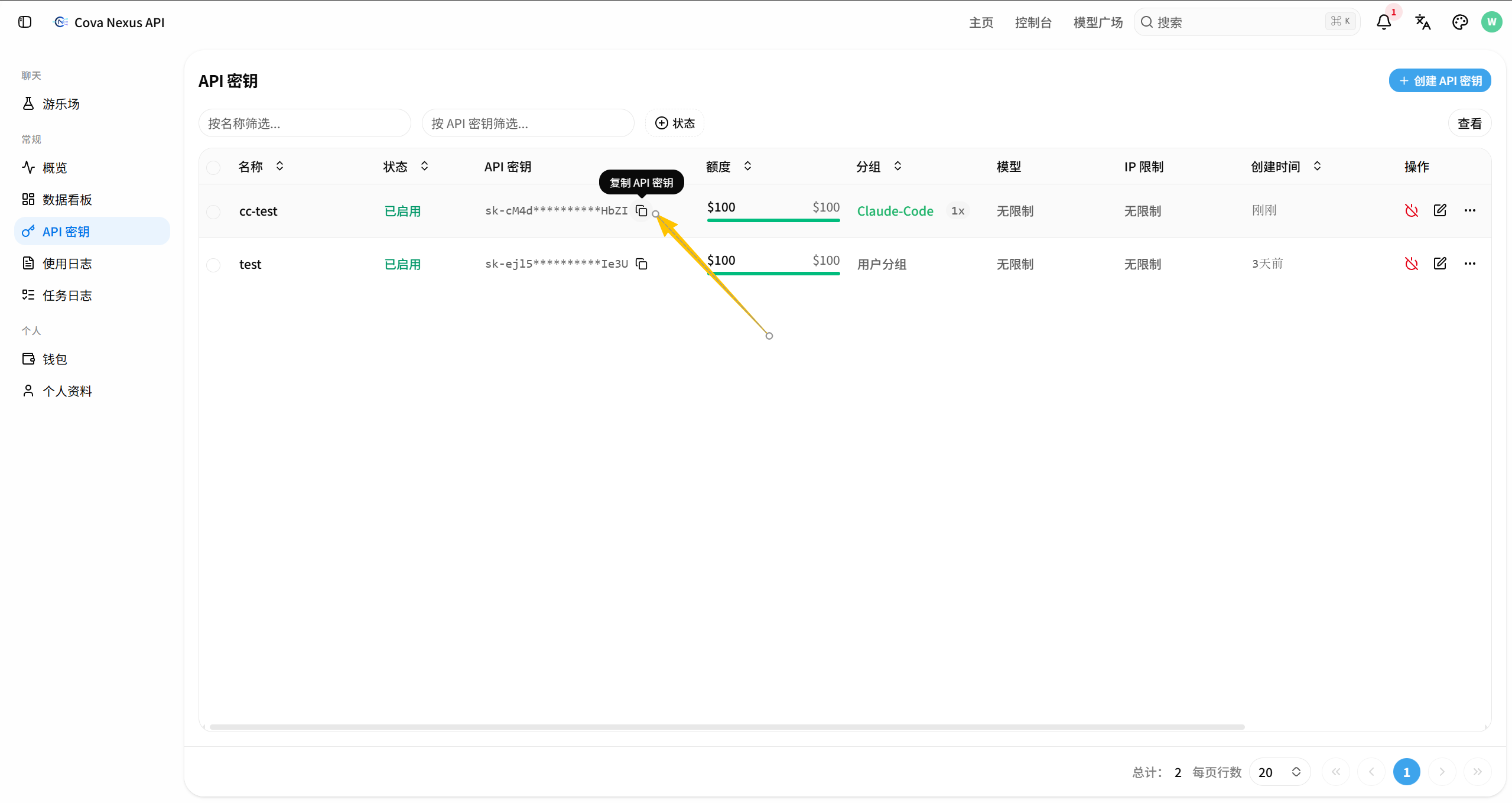
Edit API key
Find the target key in the API key list and click the "Edit" button on the right to modify the configuration options of the API key (excluding the API key itself). Modifiable options include expiration time, quota, model restrictions, IP whitelist and grouping, etc.
Delete API key
Find the target key in the API key list and click the "Delete" button on the right. After confirmation, the API key becomes invalid immediately and cannot be recovered.
- Create separate API keys for different uses (production, testing, development)
- Set reasonable quota caps for each API key to prevent accidental overconsumption
- Regularly clean up API keys that are no longer used
- Configure IP whitelisting for production API keys to improve security