Registration and login
Support account and password registration and login. Please complete registration before using it for the first time.
Login
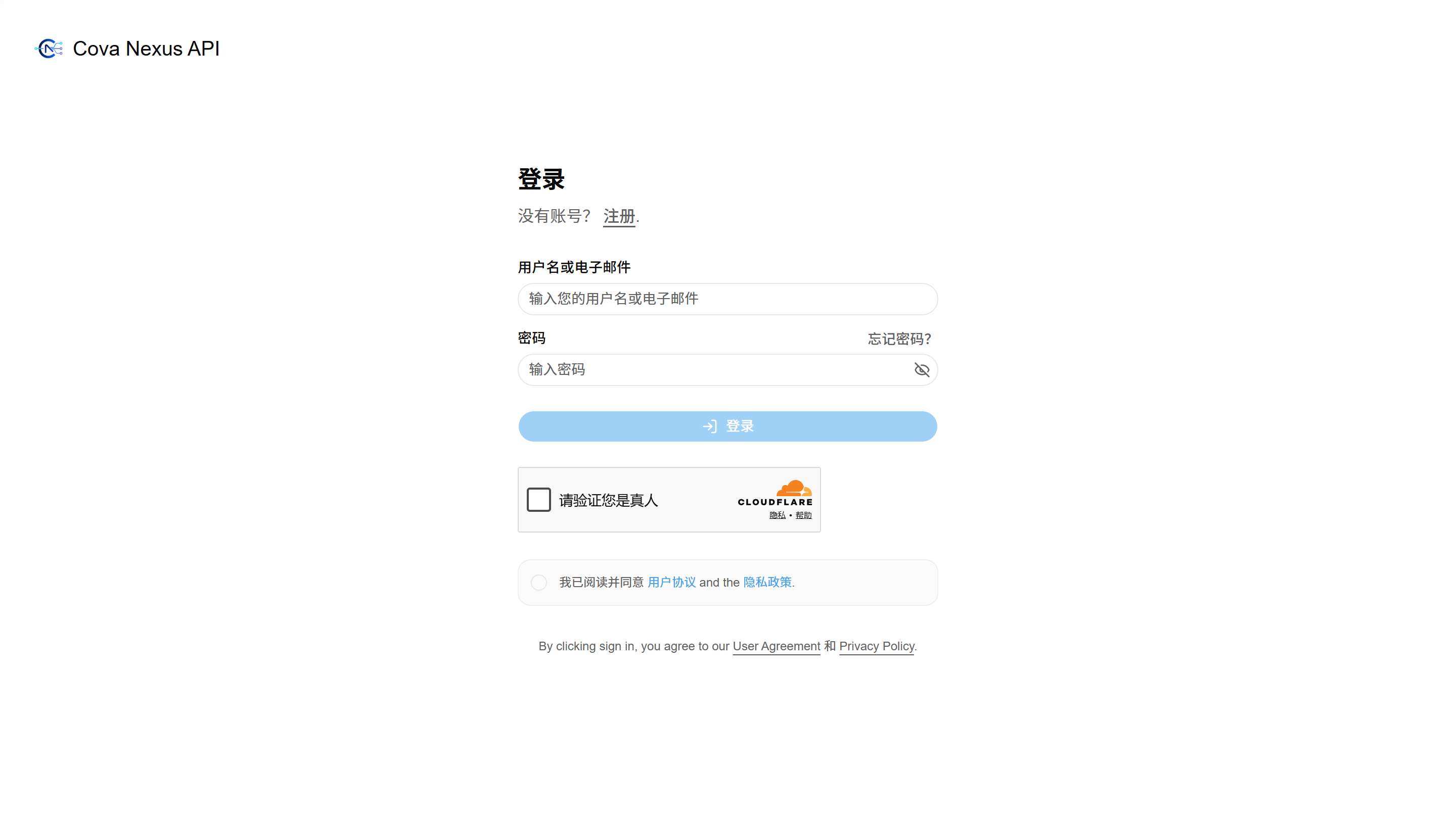
Log in with account and password
visit https://api.covanexus.com, click the "Login" button in the upper right corner, or visit directly /sign-in
Enter your username and password on the login page and click "Login" to complete the login
Forgot password
Click the "Forgot Password" link on the login page
Fill in the email address used during registration in the input box
The system will send a reset link to the email. Click the link to set a new password. The original password will then become invalid.
Register
Registration process
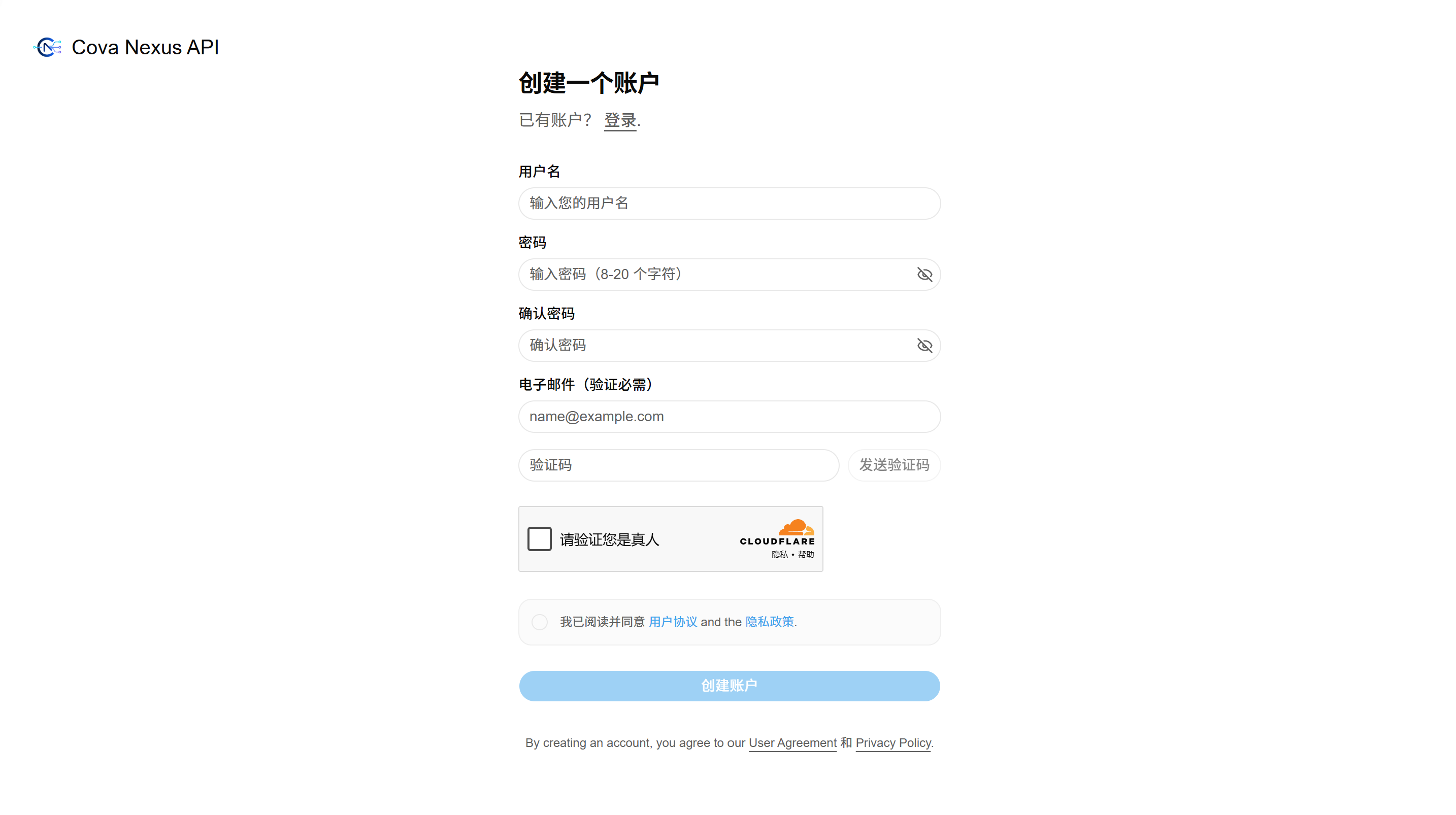
Click the "Register" link on the login page, or visit directly /sign-up
Enter username and password
Fill in your email address, click "Send Verification Code", and fill in the received verification code into the input box
Click "Register" to complete the account creation. After successful registration, you will automatically jump to the home page.